Event Photography Shot List: Copyable Corporate Prompts, UK Consent
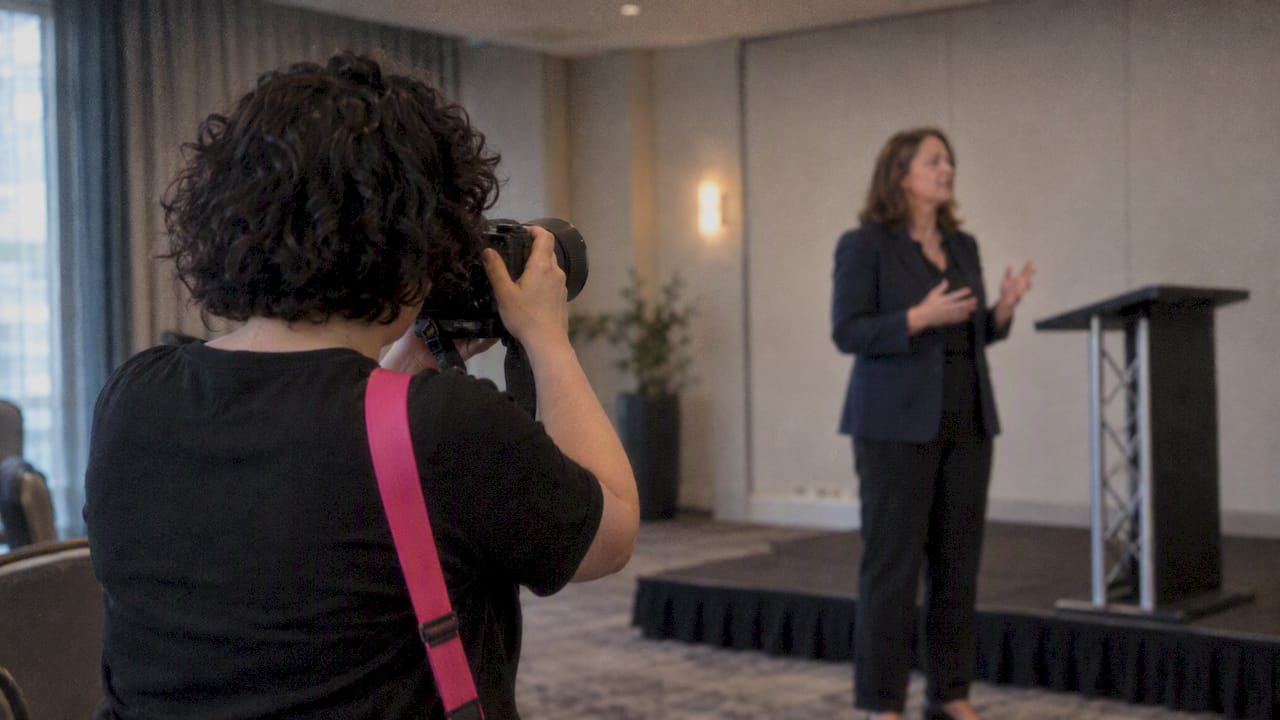
A complete event photography shot list covers ten categories: venue and establishing shots, branding and sponsor details, speakers and stage coverage, panels and breakouts, audience reactions, networking candids, group and VIP portraits, catering and activations, social-friendly content, and the logistics that tie it all together. We built this list to cover both the marketing assets a brand needs and the archive record an event deserves, with copyable prompts and timing notes for each category.
TL;DR:
- A single photographer can usually cover up to 150 people in one room, but simultaneous breakouts require a second shooter.
- When sessions overlap, prioritize the keynote over breakouts; tag every shot by priority and budget roughly five minutes for each essential shot during transitions.
- UK crowd images without identifiable people generally need no individual consent; identifiable shots need a lawful basis, clear notices, and a documented way to opt out.
- Avoid publishing identifiable images of children or vulnerable attendees without specific consent; group consent can cover an entire table or workshop.
- Agree delivery formats before the event: provide full resolution JPEGs, archive RAW files, and send five to ten social images that day or the next morning.
Table of Contents
- The detailed shot list: what to capture in every category
- Turning the shot list into a working day: briefing, walkthrough and kit
- Consent and data protection: what UK event photographers need to know
- Templates and expert matching: making the shot list work for your event
- Equipment and kit checklist for conference and corporate shoots
- Lighting considerations for different event settings
- Post-processing and editing tips specific to event photography
- Coordinating with organisers and subjects on the day
- FAQ
- Sources
The detailed shot list: what to capture in every category
A shot list only earns its keep when it tells you exactly what to point the camera at, not just the broad theme. Here is how we break down each category on a conference or corporate job.
1. Venue and establishing shots
- Exterior of the building, ideally with signage or branded flags visible
- Wide shot of the entrance as the first guests arrive
- A full wide-room shot before doors open, showing the room as the client dressed it
- AV screens, stage set and lighting rig with a handful of early attendees in frame for scale
2. Branding and sponsor details
- Logos projected on the main stage screen during the opening slide
- Close-ups of signage, lanyards and printed sponsor materials
- Sponsor booths with staff mid-conversation, not posed and staring at the lens
- Any branded step-and-repeat or photo wall in use
3. Speakers and session coverage
- A full-stage wide shot that includes the slide deck and the speaker
- A mid-frame shot pairing the speaker with their slide content
- Tight close-ups capturing genuine expression, mid-gesture rather than mid-blink
- Podium or lectern details, including name cards and branded backdrops
4. Panels, workshops and breakouts
- Wide shots showing the moderator and all panellists together
- Reaction shots between panellists as someone else speaks
- Hands-on detail shots in workshop settings, tools or notebooks in use
- Interaction shots between facilitators and small breakout groups
5. Audience, Q&A and atmosphere
- Laughter and genuine reaction during a strong moment on stage
- Note-taking and phone-camera shots that show engagement
- Raised hands during Q&A, caught just before the moderator picks someone
- Applause sequences at the close of a session
6. Networking and candid moments
- Handshakes at the exact point of contact, not just the approach
- Small clusters of three or four people mid-conversation
- Badge close-ups that double as subtle branding shots
- Business-card exchanges, which still happen more than people expect
7. Group photos and VIP portraits
- Formal team rows, shot straight-on with even lighting
- Informal group shots where people are mid-laugh rather than mid-pose
- Three-quarter length VIP portraits against a clean, uncluttered background
- A quick lighting check before the VIP queue starts, since this is the shot the client scrutinises hardest
8. Catering and activation
- Styled plating shots before the room is served
- Bar action during the pour, caught at the moment of movement
- Experiential activations (branded games, photo booths, product demos) with people actually using them
- Catering and bar staff in genuine interaction with guests, not posed behind the counter
9. Social-friendly assets
- Vertical crops of hero speaker moments, ready for Stories or Reels
- A three-to-five image carousel sequence that tells a mini story: arrival, keynote, networking, close
- Quote-card frames pairing a speaker close-up with clean negative space for text overlay
Pro Tip: Shoot a few extra vertical frames of every “hero” moment even if the brief only calls for landscape. It costs seconds and saves a reshoot request later.
10. Logistics and prioritisation
When two sessions run back to back, the keynote always wins over the breakout. We rank every shot on the list as MUST, SHOULD or NICE-TO-HAVE before the day starts, so an assistant or second shooter knows exactly what to sacrifice if time gets tight. Allocate roughly five minutes per “must” shot during busy transitions and treat anything beyond that as a bonus.
Turning the shot list into a working day: briefing, walkthrough and kit
A shot list on paper is only half the job. Mapping it to the actual run of show is what keeps you from scrambling at 10:47 AM when the keynote overruns.
- Add a priority column (MUST / SHOULD / NICE-TO-HAVE) next to every line of the shot list and assign an approximate time slot from the agenda
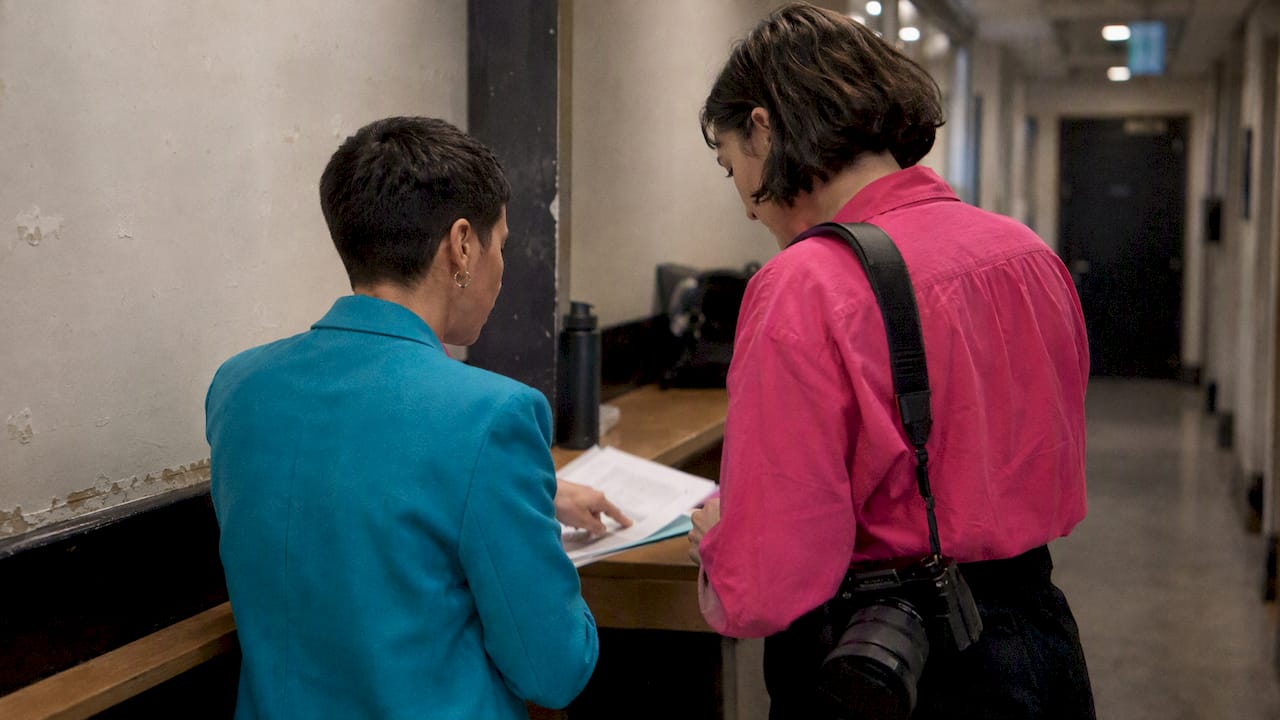
- Confirm image style, final deliverables, key names and logo usage rules with the client before the event, along with any do-not-photograph requests
- Walk the venue on arrival: check light sources, sightlines to the stage, and any areas marked off-limits
- Pack lenses by task: a wide zoom for the room and stage, a mid-range zoom for speakers and panels, and a fast prime for low-light networking shots
- Bring backup bodies and cards, since a corporate client rarely accepts “the camera failed” as an excuse
Pro Tip: A five-minute arrival walkthrough with the venue manager often reveals a restricted zone or a better vantage point that the floor plan never showed.
For staffing, a single shooter can usually cover a room of up to around 150 people with one stage, but anything with simultaneous breakouts needs a second photographer, because you cannot be in two rooms at once. On delivery, agree formats early: RAW plus high-resolution JPEG for the archive, and a same-day or next-morning cutdown of five to ten social-ready images while the full gallery follows within the agreed turnaround.
- Build the shot list with priorities and rough timings
- Brief the client on style, names and restrictions
- Walk the venue and check light, sightlines and access
- Pack and double-check kit against the shot categories
- Confirm staffing against room size and session overlap
- Agree delivery formats and turnaround before the event starts
Consent and data protection: what UK event photographers need to know
Under UK data-protection guidance, crowd shots where individuals are not identifiable do not usually require consent, while identifiable individuals need a lawful basis such as legitimate interest, backed by clear notices and a way to opt out. Clear signage at entry points, a line in the registration form and a visible way for guests to flag themselves (a sticker, a wristband, or a quiet word with the photographer) cover most situations.
Opt-out mechanisms we recommend building into the registration process or signage:
- A registration tick-box explaining that photography will take place and how images may be used
- Entrance signage stating that photography is in progress, with a named contact for questions
- Stickers or wristbands for anyone who prefers not to be photographed, briefed to the whole photography team
- A verbal reminder from the photographer when approaching someone for a closer or posed shot
Children and vulnerable attendees need extra care. Council photography protocols generally advise against publishing identifiable images of these groups without specific consent, and group consent processes (digital or printed) work well when a whole table or workshop group needs covering at once.
One statistic worth building your process around: guidance from UK data-protection sources confirms that keeping evidence of notices, registration clauses and opt-out records is what supports a lawful basis if a complaint ever arises, not just having a policy in a drawer somewhere.
Day-of checklist:
- Confirm signage is up before doors open
- Check the opt-out list or sticker system with the organiser
- Avoid close, identifiable shots of anyone flagged in advance
- Keep a note of where notices were displayed, in case it is needed later
Templates and expert matching: making the shot list work for your event
We put together a printable shot-list template and a five-point photography brief (style, deliverables, key names, logo rules, do-not-photograph notes) that map directly onto the categories above, so you can drop them straight into a run of show without rebuilding the structure from scratch. Pair the brief with a one-line photo notice for your registration form and a short model release checklist and most of the consent groundwork is done before the event starts.
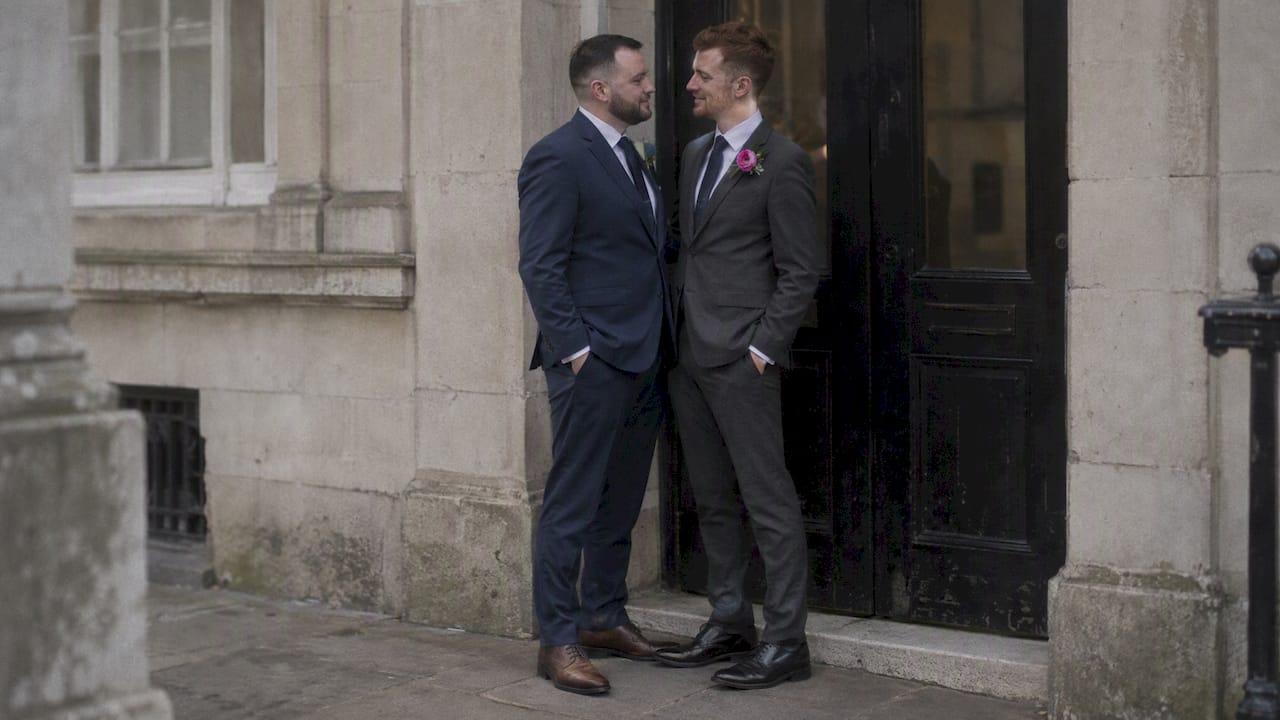
For events where representation matters, whether that is a workplace pride celebration, an LGBTQ+ staff network conference, or a brand event that wants imagery reflecting the people in the room, matching with a specialist photographer changes what comes back in the gallery. Our inclusive conference photography service and our workplace pride event coverage both exist for exactly this brief: organisers who want authentic imagery, not generic corporate stock energy.
- Use the printable shot list as your run-of-show base and adjust priorities for your agenda
- Adapt the five-point brief for every new client rather than reusing one generic version
- Add your registration clause and photo notice before tickets go on sale
- Consider a specialist match when representation and inclusivity are part of the brief
Equipment and kit checklist for conference and corporate shoots
Pack by task, not by habit. A 24-70mm covers most of the room, stage-wide and group shots in one lens, while a 70-200mm handles speaker close-ups and candid networking from a distance without you hovering awkwardly at someone’s shoulder. A fast 35mm or 50mm prime earns its place for low-light networking drinks and dim breakout rooms where a zoom’s maximum aperture starts to struggle.
Beyond lenses, the list is short but non-negotiable:
- Two camera bodies, so a single failure does not end your coverage
- A flash with a bounce card for dim rooms, used sparingly during speaker sessions
- Spare batteries and memory cards, more than you think you need
- A monopod for long stage sessions where a tripod would block sightlines
- A lens cloth and a basic rain cover, since London conference venues are not always indoors from door to door
- A laptop or tablet for a mid-event backup if the gallery will include a same-day cutdown
Label kit bags by category (stage, candid, backup) so a second shooter can grab the right gear without asking.
Lighting considerations for different event settings
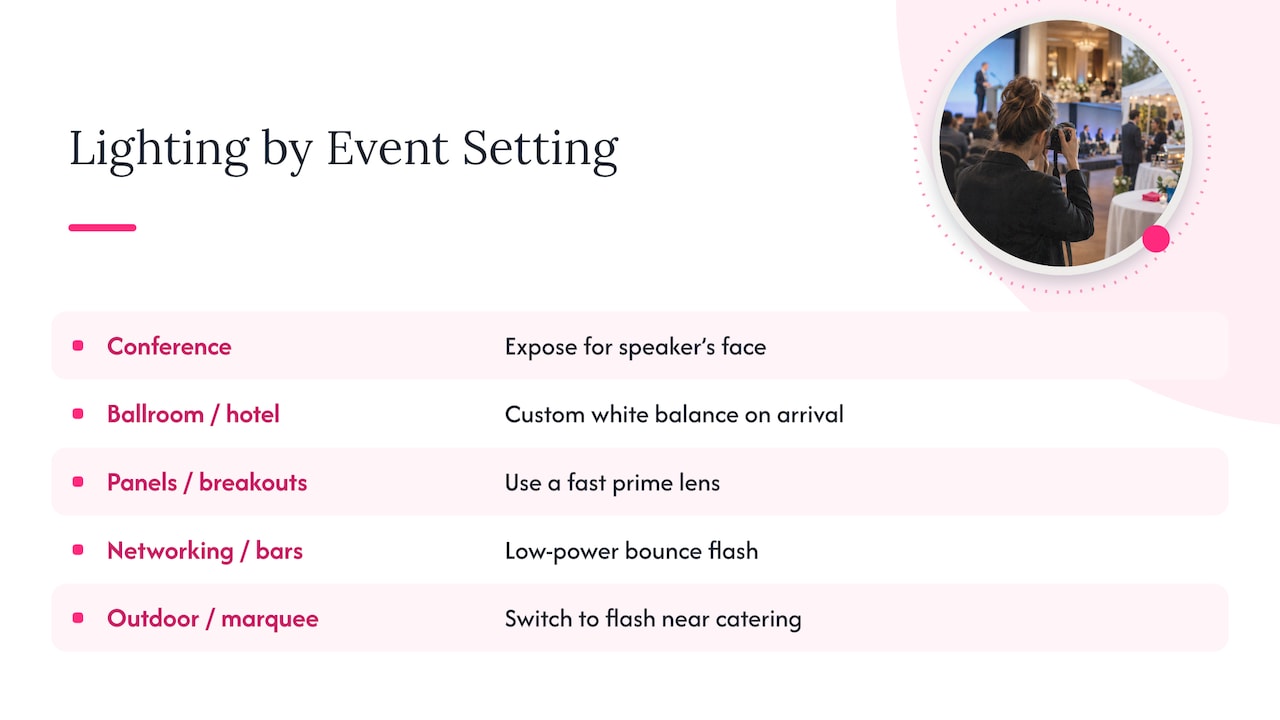
Conference lighting rarely does the photographer any favours. Stage lighting is usually bright and directional, so expose for the speaker’s face and accept that the background may fall darker, which actually helps the subject stand out. Ballrooms and hotel function rooms tend to mix warm tungsten ceiling lights with cooler daylight from windows, so a custom white balance reading on arrival saves a lot of colour-correction work later.
For panels and breakouts, ambient light is often flat and even, which makes a fast prime lens valuable for separating subjects from a busy background through a shallow depth of field. Networking areas and bars are the trickiest: dim, inconsistent, and full of movement. A bounce flash set low on power keeps skin tones natural without flattening the room’s atmosphere. Outdoor or marquee events bring their own shift as natural light fades through the evening, so plan to switch from available light to flash-assisted shooting around the catering and activation window, before the light drops below a usable level.
Post-processing and editing tips specific to event photography
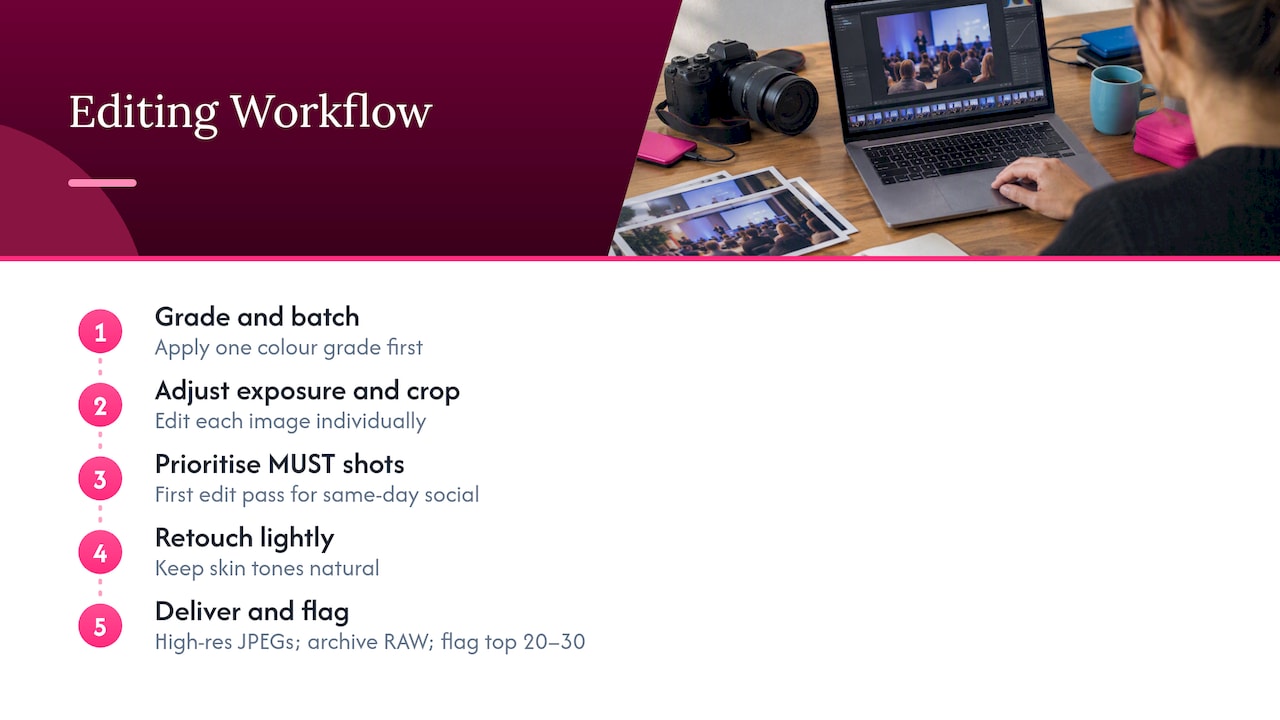
Event editing is a volume job with a tight deadline, so consistency matters more than heavy retouching. Apply a single colour grade across the gallery first, then adjust exposure and crop individually, rather than editing every image from scratch. Batch processing in Lightroom or Capture One keeps skin tones and white balance consistent across hundreds of frames shot under changing stage and ambient light.
Prioritise your MUST-tagged shots for the first edit pass, since these are usually the ones needed for a same-day social cutdown. Crop speaker and stage shots tightly enough to read well at thumbnail size, and leave clean negative space on a handful of frames specifically for quote-card or text-overlay use. Keep retouching light and natural: event photography reads as authentic, and over-smoothed skin or heavily stylised colour tends to undercut that. Deliver the full gallery as high-resolution JPEGs with RAW files archived separately, and flag your top twenty to thirty images clearly so the client’s marketing team is not scrolling through hundreds of near-duplicates to find the hero shot.
Coordinating with organisers and subjects on the day
The best event galleries come from photographers who talk to people, not just point cameras at them. A two-minute check-in with the event organiser before doors open, confirming the final running order, any late changes to the VIP list, and which sponsors need guaranteed coverage, prevents most of the surprises that derail a shot list.
With subjects, a quick word before a posed shot goes a long way: tell someone you are about to take their photo, give them a second to settle, and the resulting image looks far more natural than a shot grabbed without warning. For group and VIP portraits, designate one point of contact, often an event coordinator, who can physically gather people when you need them, rather than trying to herd a room yourself between other duties. Industry guidance on event photography backs this up: a short walkthrough and open communication with organisers let you anticipate shots rather than react to them, which frees up the headspace needed to catch genuine, unscripted moments.
FAQ
What should be on an event photography shot list?
A solid shot list covers venue and establishing shots, branding and sponsor details, speaker and stage coverage, audience reactions, networking candids, group and VIP portraits, catering and activations, and social-ready content. Each entry should carry a short execution note and a priority level so the team knows what to protect if time runs short.
How many photos should an event photographer take during a conference?
There is no fixed number, since it depends on session count, room size and shoot length, but most event photographers shoot heavily and edit down to a final gallery of a few hundred strong images for a full-day conference. Final delivered counts should reflect quality and coverage of every shot-list category rather than a target volume.
What is the 20 60 20 rule in photography?
It is a working guideline for pacing coverage, not a strict formula to measure against.
What are the most common types of shots photographers capture at events?
The recurring categories across most event galleries are wide establishing shots, speaker and stage coverage, audience reactions, candid networking, group and VIP portraits, sponsor branding, and detail shots of catering or activations. These categories map closely to what marketing and archive teams typically request after the event.
Do I need consent to photograph people at a UK conference?
Crowd shots where nobody is clearly identifiable generally do not require individual consent, but close-up or identifiable shots need a lawful basis, usually supported by clear event signage and an opt-out option. Keeping a record of notices and registration clauses helps demonstrate compliance if a question arises later.
Sources
- Photography | Data Protection | Data Protection
- Photography and Filming (Public Events) – Privacy Notice – Dartford Borough Council
- Council photography and video usage