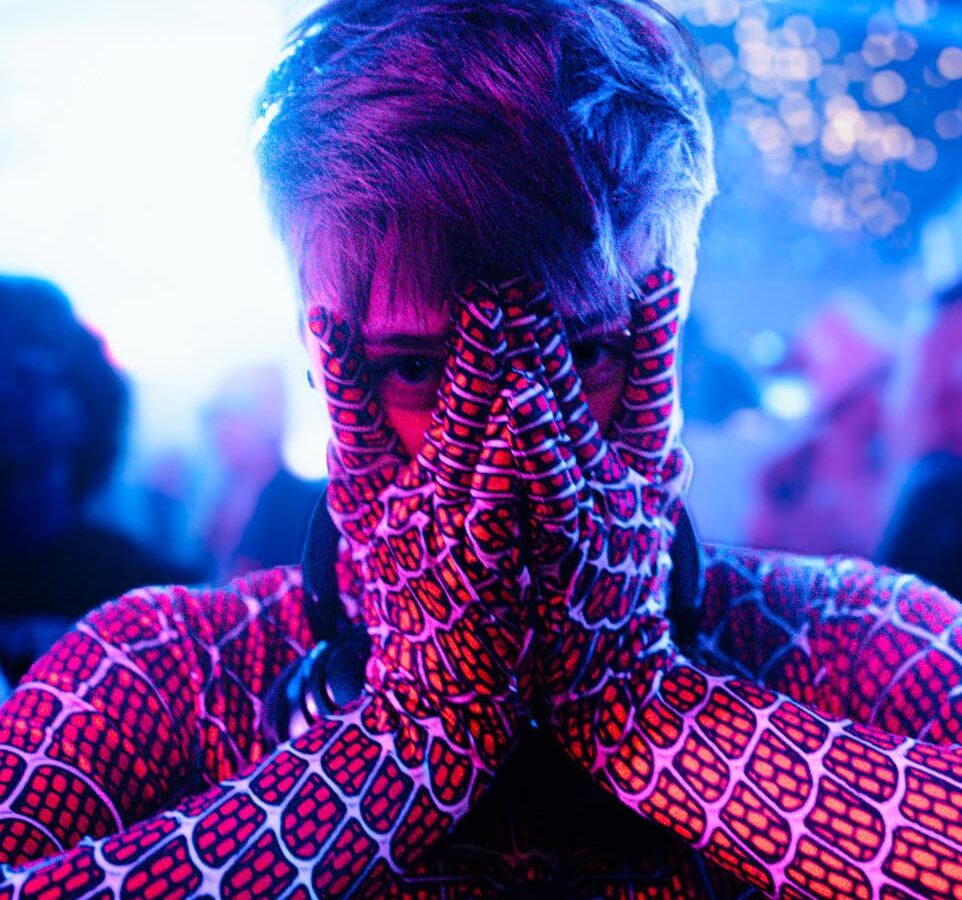
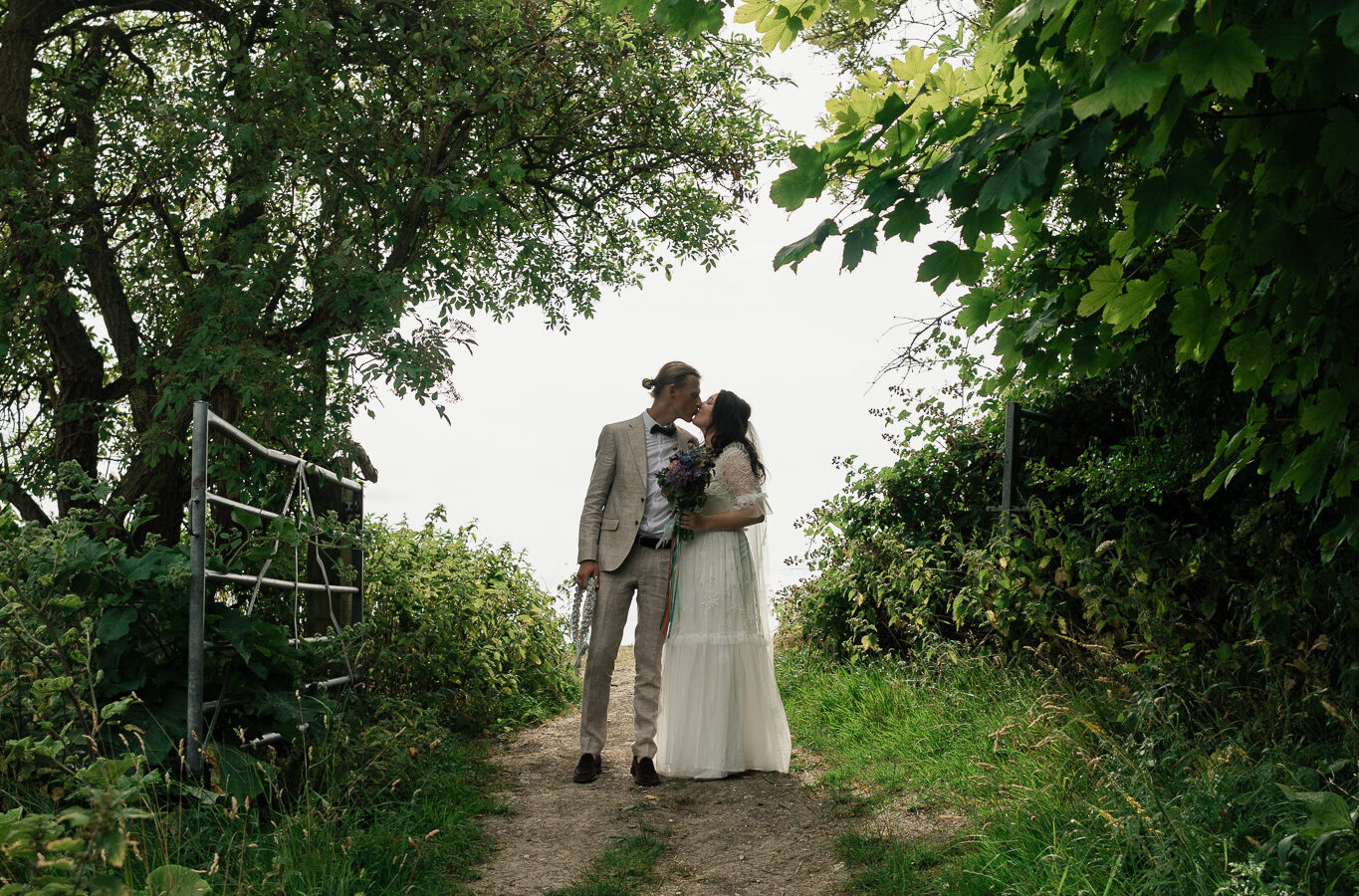
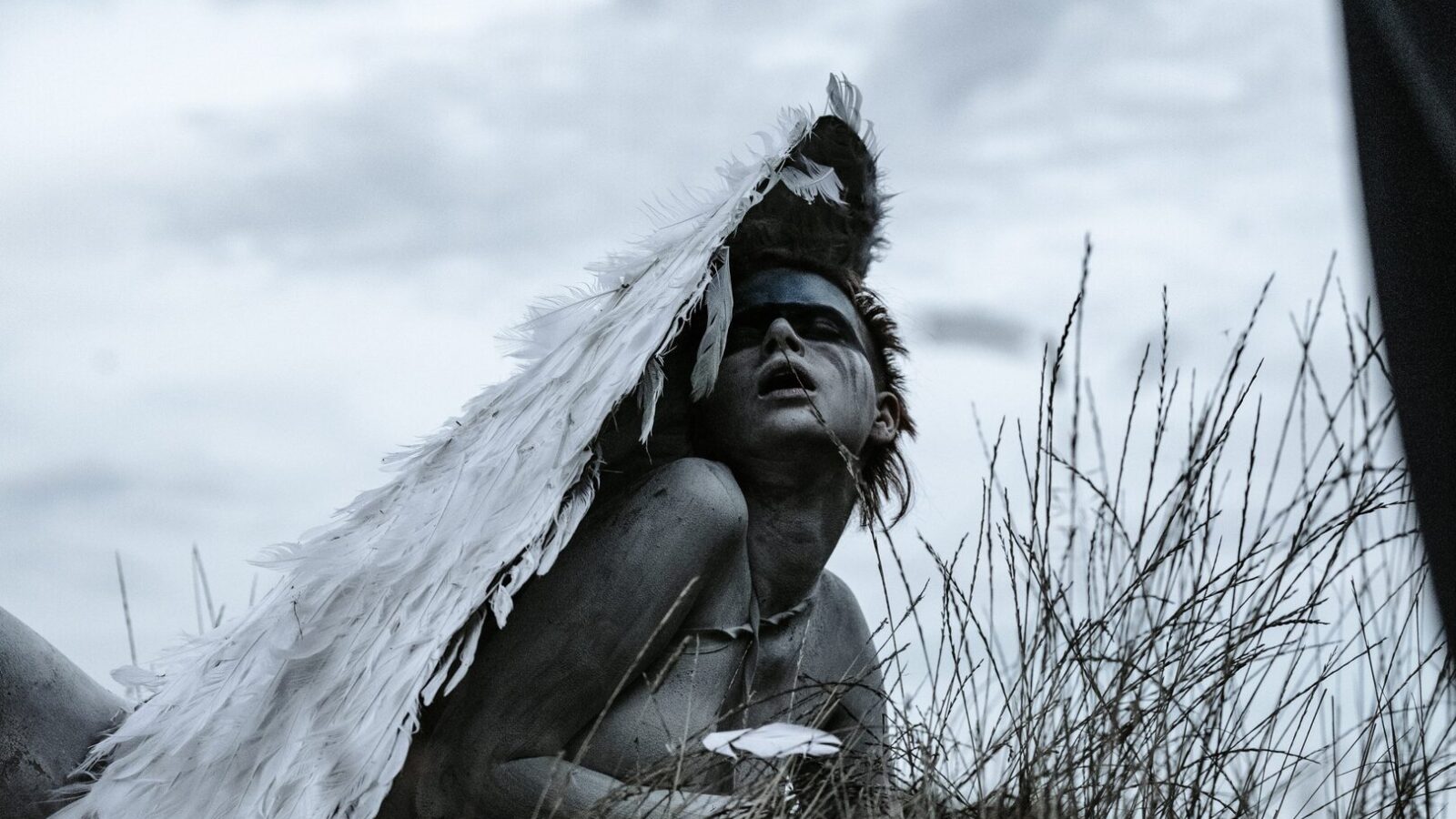
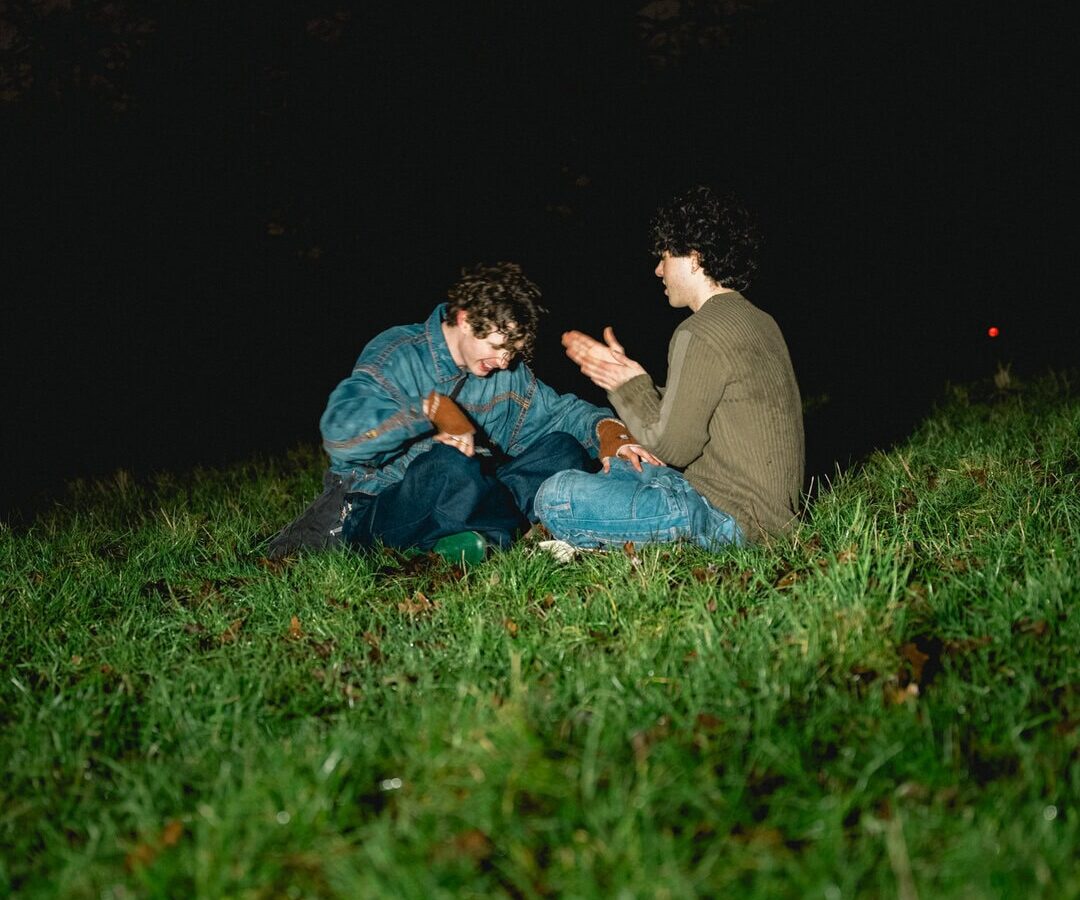
UK Photoshoot Mood Board: 3–5 Anchors, Copyright Rules and Agency Fit
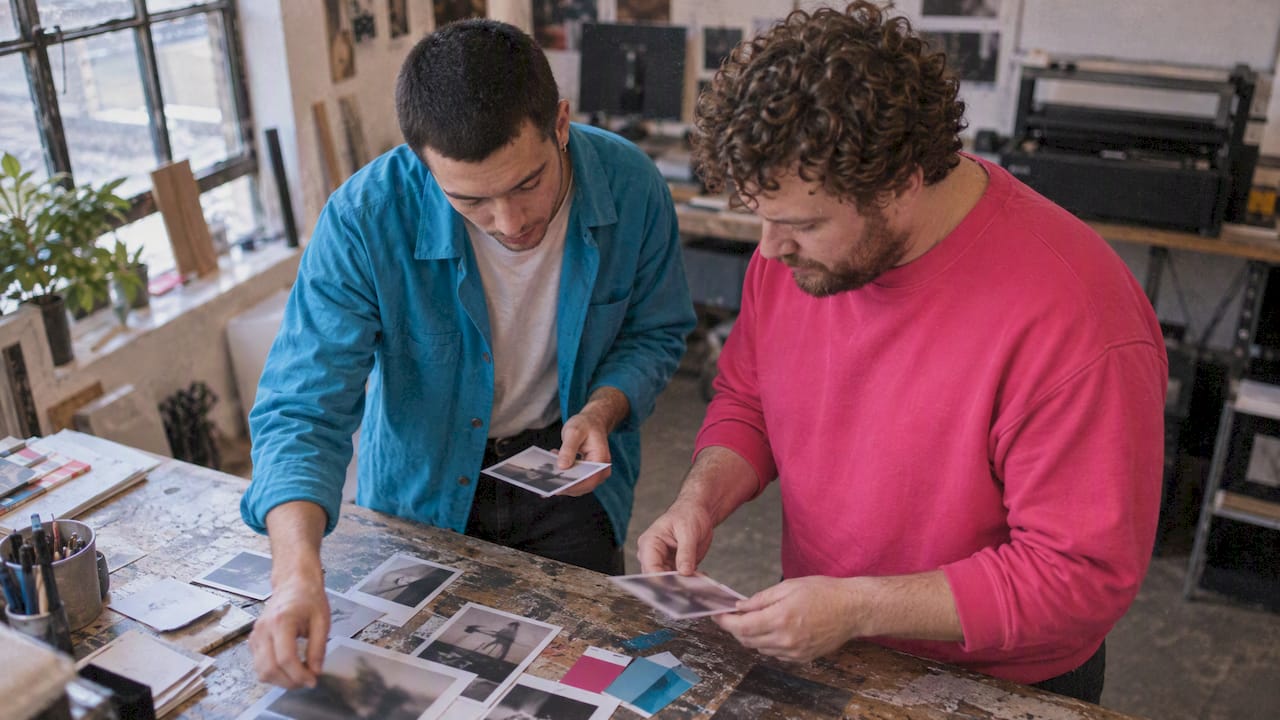
A mood board for a photoshoot is a concise visual plan, a working set of images, colours, lighting cues and shot references, that gets everyone on the same page before anyone picks up a camera. It aligns photographers, stylists and clients, and it cuts down the guesswork that eats into shoot days. We find the best moment to build one is right after the brief lands, before any gear gets booked.
TL;DR:
- A mood board should include clear reference images, color and texture swatches, shot references, and tone words to effectively communicate the look and technical details.
- Digital tools like Pinterest, Adobe Express, and slide apps are suitable for sharing and updating, but filenames must be properly organized by shoot, date, and version to avoid confusion.
- Building a mood board requires defining the shoot’s goal first, selecting anchor images, and adding technical notes to create a focused and practical guide for on-set use.
- The board’s effectiveness depends on translating references into specific tasks, briefs, and checks during the shoot, with separate versions for client approval and crew reference.
- Using unlicensed or non-permitted images on public boards risks copyright infringement; opt for licensed stock, original content, or images with explicit permission.
Table of Contents
- What to include on a photoshoot mood board
- Digital or physical: picking tools that suit your shoot
- Step-by-step: building a mood board you can brief from
- Turning the board into on-set action
- UK copyright and permissions for mood boards
- How an agency turns a mood board into a booked shoot
- Common mistakes that undermine a photoshoot mood board
- Adapting the mood board once the shoot begins
- FAQ
- Sources
- Work with photographers who build from the brief, not a template
What to include on a photoshoot mood board
A mood board earns its place in the briefing deck when it covers both the look and the logistics. Photographers and stylists work from it, so it needs to answer practical questions as well as aesthetic ones.
- Reference images that show the style, poses and lighting you’re after, pulled from a handful of sources rather than dozens.
- Colour palette swatches alongside texture or fabric references, so wardrobe and set choices stay consistent.
- Shot references, including key art, episodic or behind-the-scenes examples, with brief framing notes attached.
- Tone words or short captions that pin down the mood in language, not just imagery, since a picture can be read several ways by different people on set.
StudioBinder’s breakdown of the format describes exactly this mix: images, palettes, textures and fabric samples working together to convey vibe and lighting direction before production starts. Miss one of these pieces and the board becomes decoration rather than a tool.
Digital or physical: picking tools that suit your shoot
Both formats earn their keep, just in different settings. A digital board travels well: you can share it instantly, track version changes and update it from your phone between calls. A physical board earns its place in the studio itself, where a stylist or art director can hold swatches up against the actual light.
For UK-based creatives, a few tools cover most needs:
- Pinterest remains the easiest place to gather raw inspiration before you commit to a direction.
- Adobe Express offers ready-made templates that speed up assembling a clean, presentable board; Adobe Express’s own guide suggests keeping the image count modest so the board stays focused rather than cluttered.
- Simple slide apps (Keynote, Google Slides) work well for presenting a board live in a client meeting.
- AI-assisted organisers such as Palmedor AI can help sort and tag large batches of reference images when a shoot has a lot of moving parts.
Whichever tool you choose, name your files and folders by shoot, date and version (say, “Editorial_March2026_v2”) so nobody on the team opens an outdated board on the day.
Step-by-step: building a mood board you can brief from
A mood board only earns its keep if it is built in the right order. Starting with images before you know what you’re shooting for almost always produces a board that looks nice and says nothing useful.
- Define the goal first. Pin down the deliverables (print, social, lookbook) before opening a single reference folder.
- Gather inspiration with intent. Search specific terms, save from a short list of trusted sources, and discard anything that pulls the mood in a conflicting direction.
- Pick three to five anchor images. These become the spine of the board; everything else supports them.
- Add palette, texture and short technical notes. A line like “soft window light, 85mm, shallow depth” does more work than another photo.
- Assign technical add-ons. Note lighting references, lens choices and a one-line description for each planned shot.
- Refine and export. Prepare a shareable PDF for the client and a simpler printout or slide deck for on-set reference.
Pro Tip: Keep one version of the board locked for client sign-off and a separate working copy for the crew, so last-minute tweaks never get mistaken for the approved brief.
The whole process, from brief to export, rarely needs more than a couple of focused hours once you know what you’re looking for.
Turning the board into on-set action
A mood board that stays on a laptop screen rarely helps anyone once the shoot starts. Its real value shows up when the crew converts it into specific, checkable tasks.
- Translate references into a shot list with lighting notes the assistant or gaffer can action without needing you to explain the board again.
- Brief talent and stylists with anchored images, pointing at the exact photo you mean rather than describing a vague feeling.
- Run continuity checks against the board when wardrobe changes happen, and photograph each variation so approvals stay traceable.
- Use the board during quick approvals, holding frames up against it on the camera screen rather than waiting until the edit to notice a mismatch.
When we talk through this process on brand shoots, the same pattern holds: a board that sat in pre-production becomes the thing everyone glances at between setups, not a slide nobody opens again.
UK copyright and permissions for mood boards
Gathering images for your own planning and private study is generally fine under UK copyright practice, but the moment a board moves into commercial pitching or public-facing use, the rules tighten. According to Gov, using protected images commercially or publishing them without permission can infringe copyright, even when the use feels informal.
Prefer original content, properly licensed assets, or explicit permission whenever a board leaves the privacy of your own planning folder.
The safer route is straightforward: compile licensed stock, use images the photographer or client has supplied themselves, or shoot a handful of quick original test frames to demonstrate the idea without any legal risk. If you do need broader reuse rights, GOV.UK’s guidance on using someone else’s intellectual property sets out how to request a licence. Keep a written record of any permission granted, noting what it covers and for how long, so nobody is caught out months later when the board resurfaces in a new pitch.
How an agency turns a mood board into a booked shoot
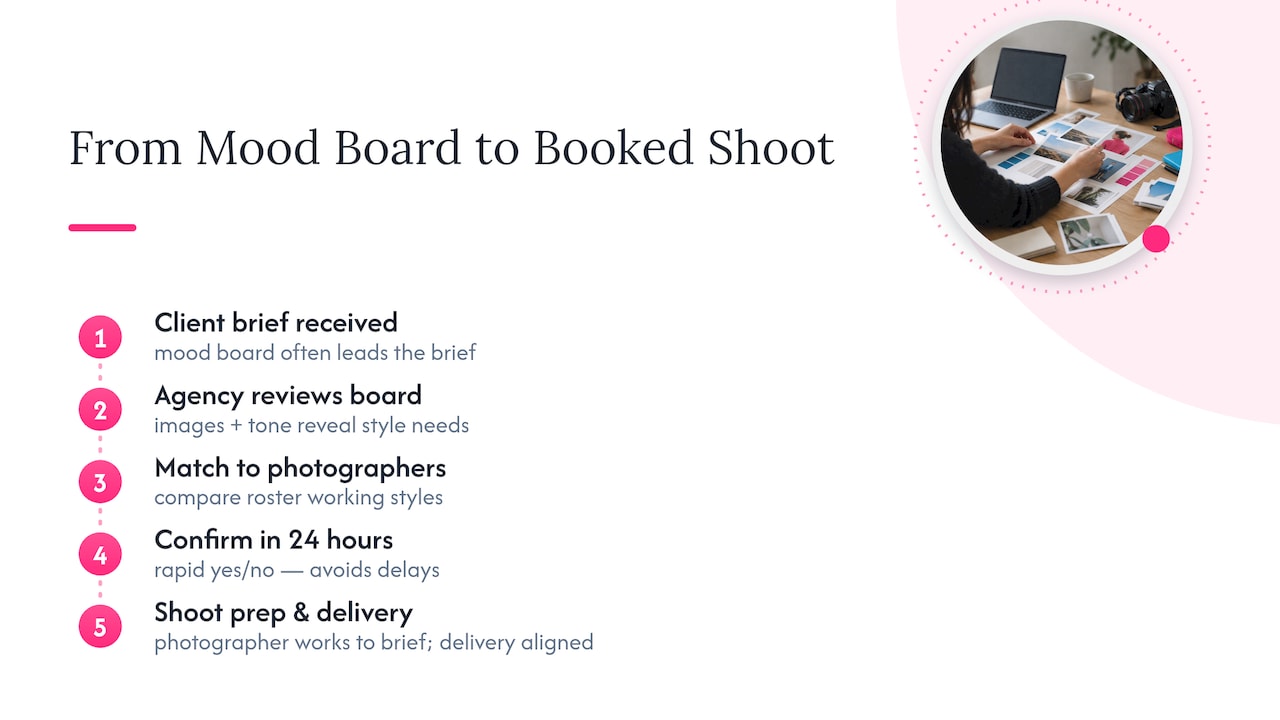
When a client sends us a brief, the mood board is often the first thing we look at properly, because it tells us far more than a list of requirements ever could. We match the images and tone words against the working style of photographers on our roster, which is how we can usually confirm a match within 24 hours rather than days of back-and-forth.
The boards themselves shift depending on the work. A fashion lookbook board leans on styling detail and shot sequencing, while a boudoir brief needs a gentler, more private set of references, often built around light and comfort rather than pose. Brand content sits somewhere between the two, closer to the practical checklist a content day demands.
Once matched, a client can expect the board to carry straight into shoot prep: the photographer works from it on the day, and delivery follows the same brief rather than drifting from it.
Common mistakes that undermine a photoshoot mood board
The most frequent mistake is treating the board as a mood collage rather than a working document. A beautiful board with no technical notes leaves lighting, lens choice and framing entirely to guesswork on the day, which is exactly what the board was meant to prevent.
A close second is mixing styles that contradict each other: a moody, low-key reference sitting next to a bright, high-key one confuses everyone trying to interpret a single vision. Pick a direction and let every image support it.
Another common slip, flagged in the BBC’s commissioning guidance on photography, is confusing a polished “key art” board, built for final marketing visuals, with an “episodic” or behind-the-scenes board meant to capture the practical reality of an on-location shoot. Mistaking one for the other creates mismatched expectations once the crew actually arrives on site.
Overloading the board is just as damaging. Forty reference images give a stylist nothing to anchor to; three or four strong ones do far more work. Finally, skipping the permissions check before a board goes anywhere public is a mistake that costs more to fix later than it would have taken to avoid, particularly once a client or press contact has seen the unlicensed image in circulation.
Adapting the mood board once the shoot begins
A mood board is a starting point, not a contract. Light changes, a prop falls through, a model’s hair reads differently under studio lights than it did in the reference photo, and the board needs to flex with all of it.
The simplest way to adapt on the day is to keep a working copy separate from the client-approved version, so swaps and substitutions never get mistaken for a change to the brief itself. When a wardrobe piece doesn’t work, photograph the replacement next to the original reference and note why the swap happened, so the client sees the reasoning rather than just a different outfit in the final gallery.
It helps to treat each change as data rather than a deviation: if the planned lighting setup isn’t achievable in the space, update the lighting note on the board immediately rather than trying to remember the fix for the next shoot. That running record becomes genuinely useful in post-production, when an editor is trying to work out which frames matched the original brief and which were deliberate departures from it.
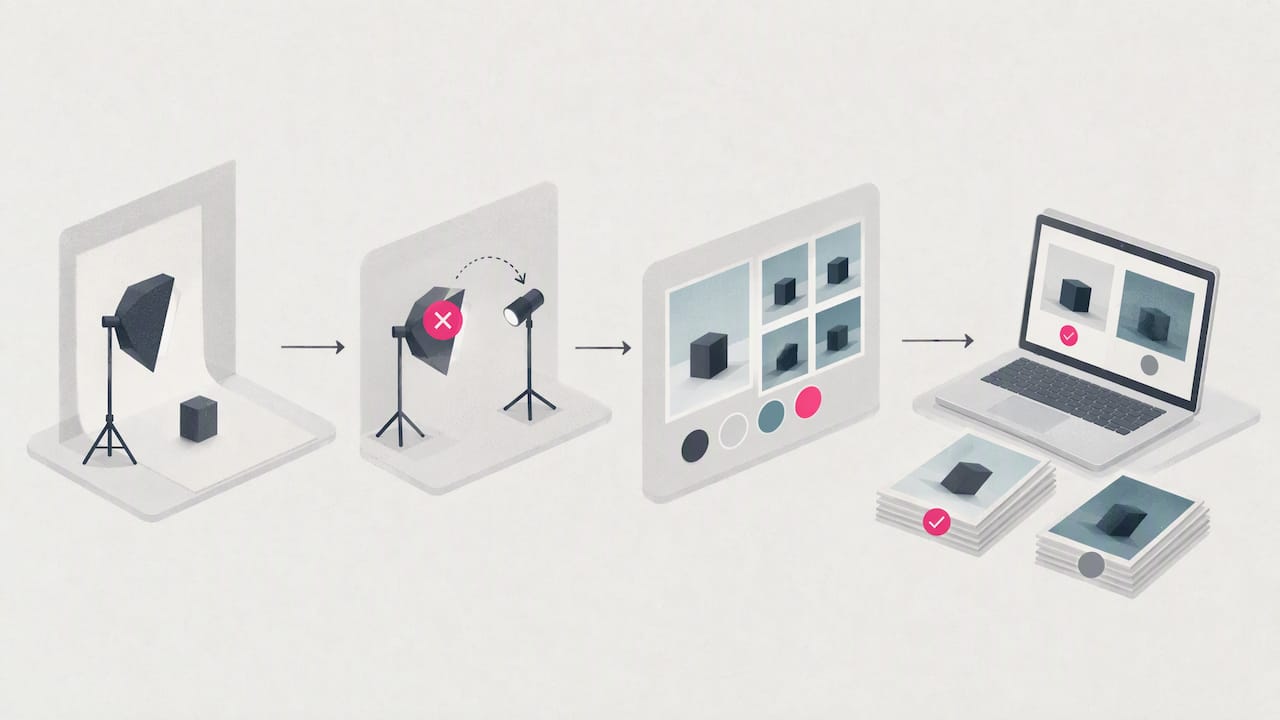
Boards that get revisited through the day, rather than referenced once in the morning and forgotten, tend to produce galleries with far fewer surprises for the client at delivery.
FAQ
How do you make a mood board for a photoshoot?
Start by defining the shoot’s goal and deliverables, then gather a small set of inspiration images, add a colour palette and texture references, and finish with short technical notes on lighting and framing. Export a client-facing version as a PDF and keep a simpler working copy for the crew on the day.
Can ChatGPT make mood boards?
ChatGPT can help draft tone words, search terms and structural outlines for a mood board, but it does not generate the finished visual board itself. Pairing it with a design tool such as Adobe Express or an organiser like Palmedor AI gets you closer to a usable result.
What is a mood board in photography?
A mood board in photography is a visual collection of images, colours, textures and short notes used to convey the intended look, lighting and creative direction before a shoot begins. It exists to align the photographer, stylist and client around one shared vision rather than several competing ones, as StudioBinder’s definition sets out.
What’s one thing that should not appear on a mood board?
An unlicensed image used for anything beyond your own private planning should not appear on a board that will be shared publicly or pitched commercially. UK copyright guidance is clear that commercial or public use without permission can infringe copyright, so licensed stock or original references are the safer choice.
Sources
- What is a mood board? Definition | StudioBinder
- Gov
- BBC commissioning: photography creative image guide
- What is a mood board? | Adobe Express
Work with photographers who build from the brief, not a template
We match clients with vetted queer photographers who treat your mood board as the actual plan for the day, not a nice-to-have attachment nobody reads. Every photographer on our roster is personally represented, so when your board lands with us, a real person matches it to the specialist whose style fits, usually within 24 hours.
Whether you’re planning a brand shoot, a personal brand session from £200, or a boudoir shoot that needs a gentler set of references, we work from your board rather than a generic package. Explore our pricing and packages to see which fits your shoot, or get in touch to talk through your brief before you build the board at all.