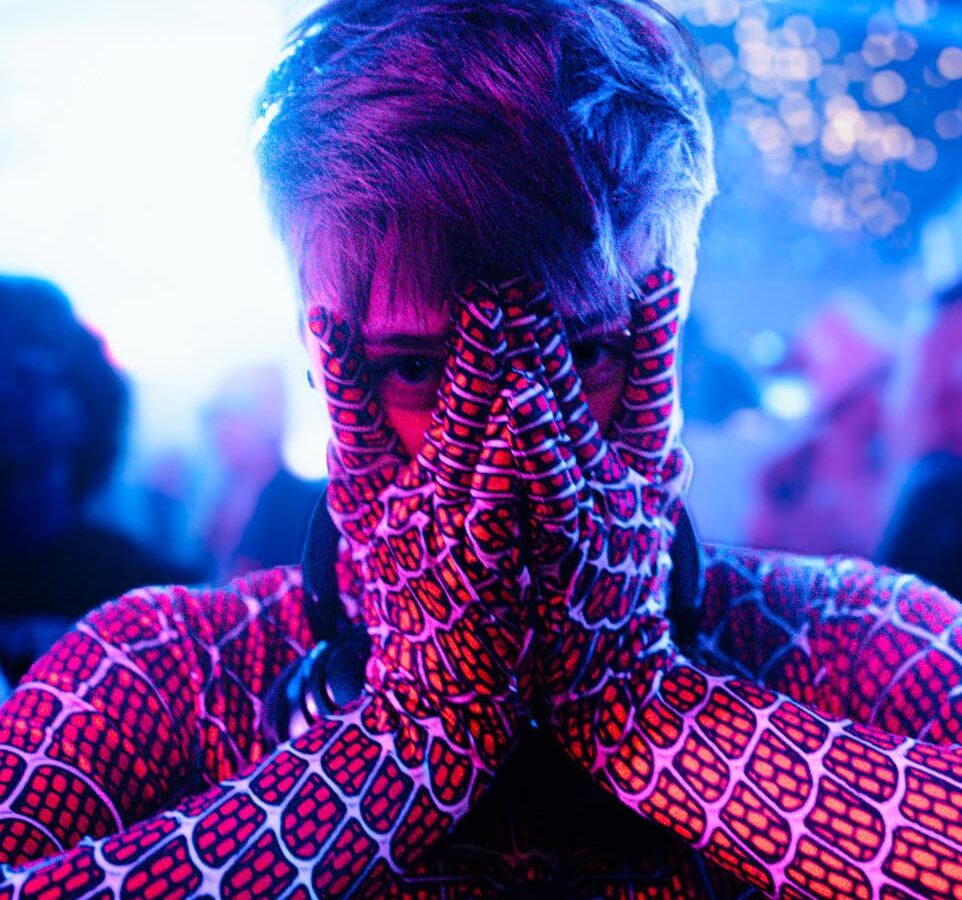
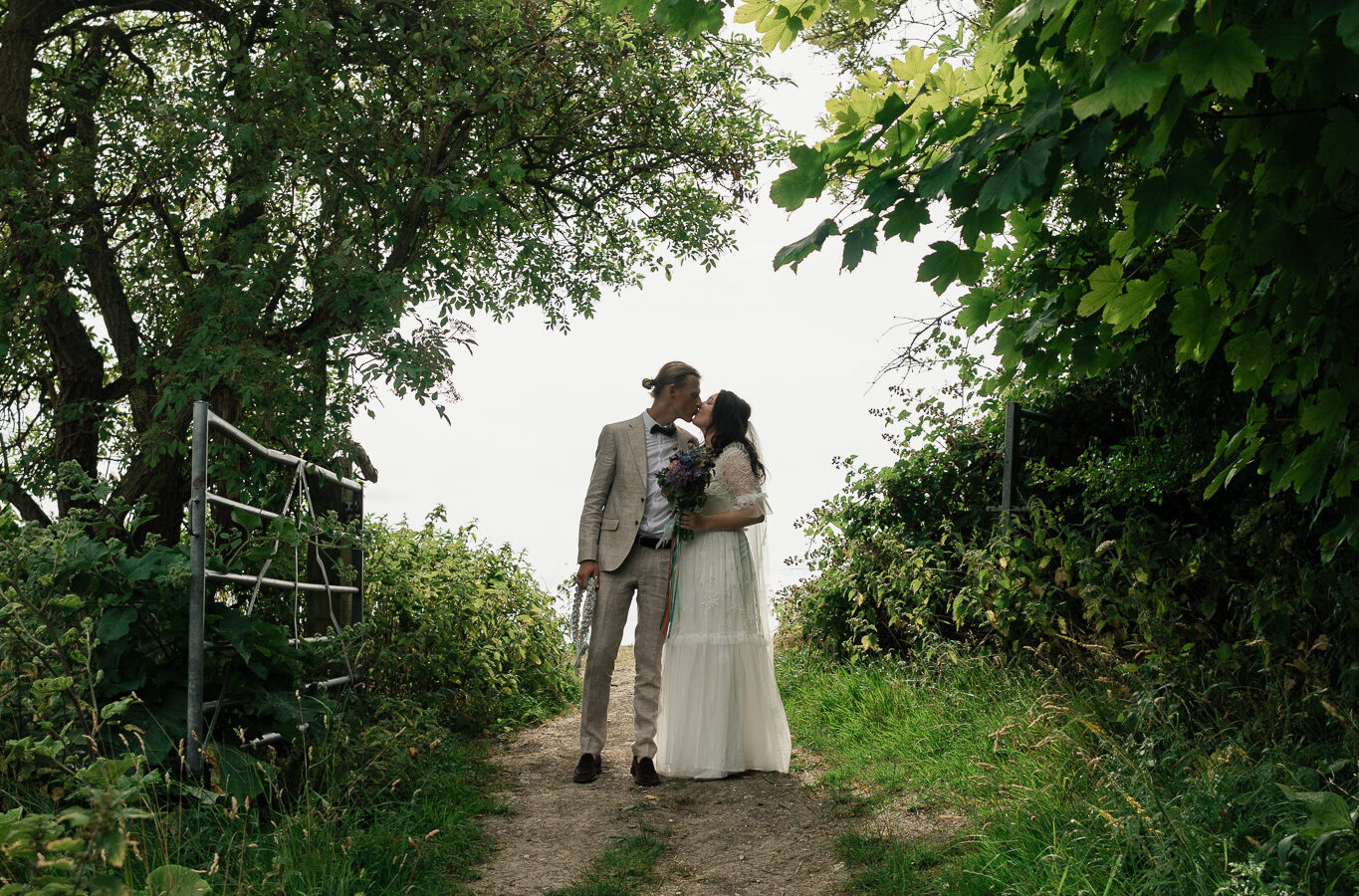
Inclusive event highlight video ideas for planners to boost reach
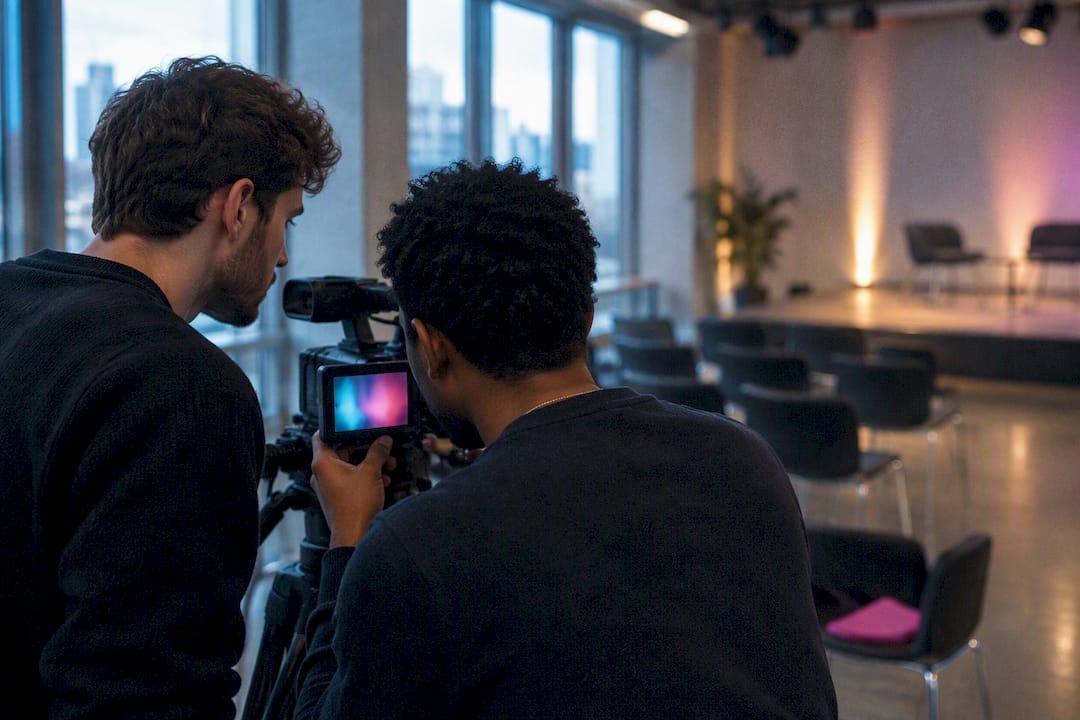
For most events, the highest-impact approach is a short social reel (fifteen to thirty seconds) paired with a sixty to ninety second highlights edit, both planned around consent and accessibility from day one. That pairing covers the two jobs a highlight video needs to do: stop the scroll and tell the fuller story. Everything else, from shot list to distribution, should follow from what you actually need the video to achieve.
TL;DR:
- Short social reels should be built around one hero moment to maximize sound-off impact and fast scrolling engagement, especially for awareness campaigns.
- Reliable coverage depends on capturing key moments and reaction shots with minimal crew using multi-camera strategies, including redundant audio for maximum usability.
- Editing should focus on quick color and audio corrections, with pacing aligned to the platform’s energy, such as cutting to the beat for social reels and speech rhythm for testimonials.
- Focusing on measurable reach, captions for all social videos, and repurposing clips into ads or email content enhances distribution effectiveness and engagement metrics.
Table of Contents
- Twelve creative event highlight video ideas and formats
- How to choose the right format, length and tone for your objective
- Pre-event planning checklist: permissions, accessibility and crew roles
- Filming: a practical shot list and coverage plan to capture every highlight
- Editing and pacing: turning raw clips into high-impact highlights
- Accessibility, consent and legal essentials
- Distribution and promotion: prioritise reach and measurement
- Queer.Photo as a direct option for inclusive event highlight video production
- Sources
- FAQ
Twelve creative event highlight video ideas and formats
The best highlight videos start as a menu, not a single plan. Pick two or three formats that suit your event and budget rather than trying to cover everything.
- Short social reel (0:15 to 0:30): one hero moment per cut, built for sound-off viewing and fast scrolling.
- Narrative mini documentary (2 to 4 minutes): follows one person or theme through the event for a fuller emotional arc.
- Performance montage: multiple camera angles and cutaways that keep energy high during a set or show.
- Attendee testimonial carousel: three to five short soundbites edited in sequence, letting real voices carry the story.
- Behind-the-scenes day-in-the-life edit: prep, setup and candid backstage moments that most guests never see.
- Timelapse-to-cinematic edit: setup through peak through teardown, compressed into one continuous arc.
- Speaker hero cut: a keynote or main address intercut with audience reactions to show impact rather than just talk.
- Workshop or demo micro-film: a tight focus on one technique, product or skill being taught or demonstrated.
- Loopable six to eight second moments: made specifically for social profile headers and paid ad placements.
- Immersive or 360-degree snippet: for channels that support VR-capable playback, giving a genuine sense of presence.
- Split-screen before/after or parallel-story format: two threads running side by side for contrast or comparison.
- Sizzle reel for CTV: full-screen, no-caption-dependent pacing designed for connected TV and lean-back viewing.
Pro Tip: Shoot every format from the same footage pool where possible. A single well-planned shoot day can feed a reel, a recap and an archive master without three separate crews.
How to choose the right format, length and tone for your objective
Start with the objective, not the aesthetic. Awareness campaigns want short, fast, thumb-stopping cuts. Ticket sales for a recurring event want a punchy recap with a clear call to action. Community storytelling wants longer, quieter edits that let people speak for themselves. Archive footage wants full coverage with minimal editorial intervention.
- Awareness or social growth: fifteen to thirty seconds, high energy, vertical format.
- Ticket sales or registration: sixty to ninety seconds, mixed pacing, ends on a clear next step.
- Community or brand storytelling: two to four minutes, documentary tone, testimonial-led.
- Archive or sponsor reporting: longer cut or full raw edit, minimal music, maximum context.
Polish takes time and budget; speed favours phone-only or hybrid setups with one or two operators. Decide which trade-off matters more before the event, not during the edit.
Pre-event planning checklist: permissions, accessibility and crew roles
Consent and access planning belong at the start, not the edit suite. Local authority guidance on filming people recommends obtaining written consent for identifiable individuals, using clear signage at entry points, and keeping records of both.
- Set up a consent workflow: ticket wording, entry signage, written releases for anyone featured up close, and a simple wristband system for those who have agreed to appear on camera.
- Budget for accessibility from the outset, including live captioning, descriptive subtitles, BSL interpretation where relevant, and a quiet space for anyone who needs one.
- Assign roles clearly: a producer, lead camera, dedicated audio operator, a runner, and an access lead whose only job is consent and accessibility.
- Build a kit checklist scaled to your budget, with a backup camera and audio recorder as standard, not an afterthought.
- Map your hero moments onto the running order so the crew knows exactly when to be in position.
Pro Tip: Give your access lead veto power over any shot involving a non-consenting attendee. It is far cheaper to skip a shot than to remove a face in post-production.
Filming: a practical shot list and coverage plan to capture every highlight
Reliable coverage means planning for the moments that repeat at almost every event: the entrance, the opening line, the loudest applause, and the final close. Around those anchors, build in reaction shots and cutaways, crowd faces, hands, laughter, so the edit has somewhere to breathe between big moments.
- Environment and detail shots: signage, venue texture, small objects that establish where and when this happened.
- Reaction and cutaway coverage: faces in the crowd, not just the stage, for emotional pacing in the edit.
- On-camera soundbites: short, quotable lines from attendees or speakers that can be cut into any version.
- Multicam or dual-phone strategy: even two phones on tripods, one wide and one tight, dramatically increase usable footage for small crews.
- Redundant audio capture: a lapel mic on the main speaker plus a room mic, so at least one track is always usable.
A crew of two, working this plan, can cover an event that would otherwise need four.
Editing and pacing: turning raw clips into high-impact highlights
Duration targets differ by platform: reels sit at fifteen to thirty seconds, TikTok and YouTube Shorts run similarly short, and the general highlights recap holds at sixty to ninety seconds. Match music tempo to the energy of the cut, not the other way round, and let the edit rhythm follow the beat rather than fight it.
- Cut three deliverables from one shoot: a social cut, a website cut, and a full archive master.
- Fix colour and audio first: a quick grade and a noise-reduction pass improve perceived quality more than any transition effect.
- Choose captions deliberately: burned-in captions guarantee visibility on every platform, while separate subtitle files suit the archive master.
Pro Tip: Cut to the beat drop for social reels, but cut to the speech rhythm for testimonial and documentary formats. The wrong pacing choice is the fastest way to make good footage feel flat.
Accessibility, consent and legal essentials
Consent and accessibility are legal and reputational basics, not extras. The UK Intellectual Property Office explains that photographs and video can count as personal data under GDPR, so consent should be clear and kept on record alongside the project files. Council privacy notices for public events generally rely on legitimate interests for wide shots, but still recommend specific consent for close-ups or sensitive content.
- Written releases for anyone featured prominently, close-up signage otherwise.
- Music licensing checked before publishing, since a background track without clearance can get a video muted or removed.
- Accessibility built in, not bolted on: BFI guidance recommends planning descriptive subtitles, live captioning and BSL from the production stage.
A large share of attendees at one accessibility-focused festival study reported an experience of inaccessibility, a point the BFI’s inclusion guidance raises to support planning access provisions from the outset rather than after editing.
Distribution and promotion: prioritise reach and measurement
Video now dominates social ad spend, and that shift should shape how you cut and release a highlight video, not just where you post it. IAB UK’s Digital Adspend 2025 reports that video display investment grew 20% year-on-year and that video accounts for 59% of social investment, a strong argument for designing every highlight edit as a short-form asset first.
- Optimise the first three seconds: that is where sound-off scrollers decide whether to keep watching.
- Caption every social cut: most viewers will watch without sound on their first pass.
- Repurpose stills and microclips: pull frames and six-second loops for ad creatives and email without a fresh edit.
- Measure what matters: views, click-through on your call to action, and short-term engagement in the first 48 hours tell you more than total watch count alone.
A QR-linked campaign structure can turn a highlight reel into a trackable funnel, letting you see exactly how many viewers moved from watching to booking or registering.
Queer.Photo as a direct option for inclusive event highlight video production
If planning your own shoot feels like more than you want to take on, Queer.Photo connects you with vetted queer photographers and video creators who already think this way about consent, representation and pacing. Every match happens within 24 hours, handled by a real person rather than an algorithm, so you get a creator who fits your event’s tone rather than whoever happens to be free.
- Video packages sit alongside photography on the services page, covering event coverage from single-camera shoots to fuller production days.
- Personal brand packages are available; see the pricing page for current details.
- Content day and full event options suit organisations needing multiple deliverables from one booking, similar to the content day format built for exactly this kind of multi-output need.
Every shoot respects pronouns and personal boundaries as standard, with credit given properly to the photographer behind the work.
Sources
- Digital Adspend 2025: UK’s digital ad market reaches £40.5bn | IAB UK
- BFI diversity standards and audience development (accessibility guidance)
- What to consider when filming people (Richmond local authority guidance)
- Photography and Videography Privacy Notice (Rhondda Cynon Taf Council)
FAQ
What are some creative video ideas for an event?
Strong options include a narrative mini documentary following one person through the day, a behind-the-scenes prep edit, and a split-screen before/after format. Choosing two or three formats rather than one gives you flexibility across social, web and archive use.
What are some creative content ideas for events?
Attendee testimonial carousels, loopable six to eight second clips for profile headers, and timelapse edits from setup to teardown all work well for events of most sizes. Each format can be built from largely the same footage, which keeps a small crew productive.
What are good topics for videos at an event?
The strongest topics are usually a single hero moment (an entrance, a big reaction, a closing line), a behind-the-scenes thread, or one attendee’s personal story told in their own words. Topics that follow a clear objective, awareness, sales or community storytelling, tend to perform better than general coverage.
What are some creative video ideas for event promotion?
A fifteen to thirty second social reel built around one striking moment, combined with a sixty to ninety second highlights recap, covers most promotional needs. Repurposing stills and short loops from the same shoot into ad creatives extends the reach of a single production day.
How much does an event highlight video cost?
Costs vary widely depending on crew size, length and turnaround, so most providers quote per project. Queer.Photo lists its video packages on its services page and its Personal brand package from £200 one-off on its pricing page, with other packages available on request.